



Ready to Upgrade Your Introductions?
Browse our full NFC card collection and find the right design for your networking style.
Shop Now Contact SalesCreate your Personal Profile, share it with a QR code or NFC, and keep your network with you. Scan the code or open the App Store.
Scan with your iPhone camera
OPEN APP STOREInstall the free MyProfile app by Brilydal LTD. Scan the code with your phone to open the Google Play listing.
Scan with your phone camera
OPEN GOOGLE PLAYCart
Your cart is empty
Shipping and taxes calculated at checkout.
Sign in with your Profile ID and PIN to continue shopping.
 Start a return
Check eligibility and request a return

 Warranty support
Get help with a MyProfile product

MyProfile NFC Card
Matte Black
 599 pts
$4.99
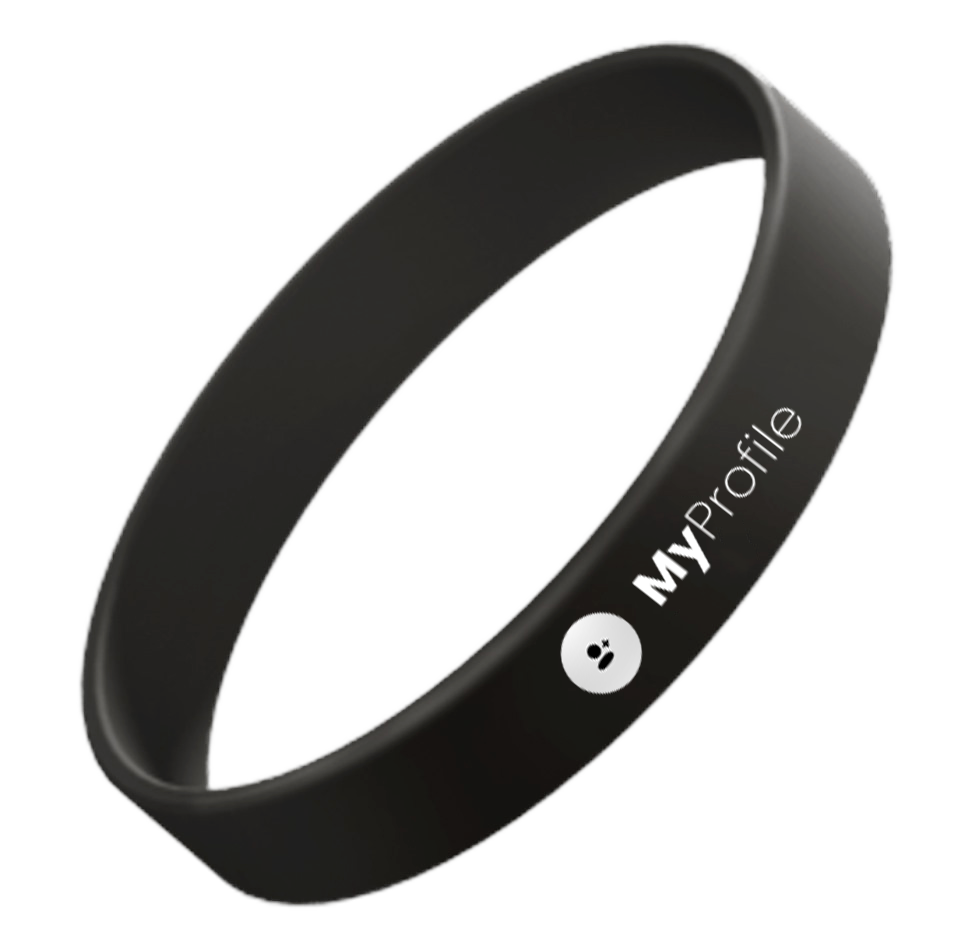
MyProfile Band
999 pts
$19.99
Your cart is empty.
1598 MyPts
Shipping and taxes calculated at checkout.
MyProfile Card
Order MP-30926
 Ordered
 Shipped
 In transit

Estimated delivery
Monday, September 7
No past orders yet.
Order #OD261014-0072
ConfirmedPlaced on 12 Oct 2026, 14:23
Total US$ 29.98
MyProfile NFC Card
Matte Black
Qty: 1
MyProfile Band
Midnight Black
Qty: 1
Order #OD261014-0072
ConfirmedPlaced on 12 Oct 2026, 14:23
Total US$ 29.98
Package 1 of 2
Shipping via: SingPost
MyProfile NFC Card
Matte Black
Qty: 1
Package 2 of 2
Shipping via: SingPost
MyProfile Band
Midnight Black
Qty: 1
MyProfile NFC Card
Matte Black
Qty: 1
Order confirmed
Your order has been received.
Package processed
Item has been prepared for shipment.
Departed facility
Left Singapore sorting centre.
In transit
Arrived at destination country.
Out for delivery
Your package is on the way.
Delivered
Package delivered to your address.
Latest update
14 Oct 2026, 04:40
Arrived at Los Angeles, USA.
MyProfile Band
Midnight Black
Qty: 1
Order confirmed
Your order has been received.
Package processed
Item has been prepared for shipment.
Departed facility
Left Singapore sorting centre.
Arrived at destination
Arrived at New York, USA.
Out for delivery
Your package is on the way.
Delivered
Package delivered to your address.
Delivered to
123 Maple St, Apt 4B
New York, NY 10001, USA
MyProfile NFC Card
Matte Black
Qty: 1
Order confirmed
Your order has been received.
Package processed
Item has been prepared for shipment.
Departed facility
Left Singapore sorting centre.
Delivery exception
Delay due to carrier exception. Item is held for further inspection by customs.
Out for delivery
Your package is on the way.
Delivered
Package delivered to your address.
Carrier exception
Your package is experiencing a delay due to customs inspection. Revised delivery estimate is currently unavailable. We are working with the carrier to resolve this issue.
MyProfile Band
Midnight Black
Qty: 1
Delivery time
16 Oct 2026, 11:08 (Local time)
Delivery location
123 Maple St, Apt 4B
New York, NY 10001,
USA
Received by
Front door (no signature required)
Order #OD261014-0072
ConfirmedPlaced on 12 Oct 2026, 14:23
Total US$ 29.98
MyProfile NFC Card
Matte Black
Qty: 1
MyProfile Band
Midnight Black
Qty: 1
Order #OD261014-0072
Awaiting packingPlaced on 12 Oct 2026, 14:23
Total US$ 29.98
This order is eligible for cancellation.
Your order is awaiting packing and has not been shipped yet. You can cancel now without charge.
MyProfile NFC Card
Matte Black
Qty: 1
MyProfile Band
Midnight Black
Qty: 1
Order #OD261014-0072
DeliveredPlaced on 12 Oct 2026, 14:23
MyProfile NFC Card
Matte Black
Original price: US$ 4.99
MyProfile Band
Midnight Black
Original price: US$ 19.99
Order #OD261014-0072
DeliveredDelivered on 16 Oct 2026
Order #OD261014-0072
DeliveredDelivered on 16 Oct 2026
Item condition
Refund or replacement
Upload evidence (photos)
RMA #RMA261017-0017
Pending approval
Submitted on 17 Oct 2026, 16:20
Request submitted
We have received your return request.
Under review
We will review your request within 1–2 business days.
Return instructions
You will receive detailed return instructions by email.
Item received
We will notify you once we receive your return package.
Refund or replacement
We will process your refund or send a replacement after inspection.
Return #RMA261017-0017
Approved – Label issuedOrder #OD261014-0072
Requested on 17 Oct 2026, 16:20
MyProfile Band
Midnight Black
Qty: 1
Return requested
We received your return request.
Return approved
Your return has been approved.
Return label issued
A prepaid return label has been generated.
Return received
Waiting for item to be received.
UPS Ground
Prepaid Return
RMA261017-0017
Order #OD261014-0072
1Z9A4V7R0381234567
Ship to
MyProfile Returns
1200 E. Arques Ave
Sunnyvale,
CA 94085
USA
Return service
UPS Ground
Prepaid Shipping
No additional
postage required
Drop-off instructions
Refund #RF261018-0018
Pending refundOrder #OD261014-0072
Approved on 22 Oct 2026, 09:14
MyProfile Band
Midnight Black
Qty: 1
Status
Pending refund
Your refund has been approved and is being processed to your original payment method (Visa •••• 4242).
Refund approved
Your refund has been approved.
Processing refund
Funds typically appear in 3–5 business days.
Refund completed
You'll receive an email confirmation.
Replacement #REP261018-0021
ProcessingOrder #OD261014-0072
Requested on 18 Oct 2026, 11:05
MyProfile NFC Card
Matte Black
Qty: 1
Replacement requested
We received your replacement request.
Processing
Your replacement is being prepared.
Shipped
Tracking details will be available soon.
Delivered
Package delivered to your address.
Estimated shipping date
On or before 21 Oct 2026
0/1000
Upload files (optional)
Ticket #SUP261018-0037
OpenOrder #OD261014-0072 | Created 18 Oct 2026, 16:18
Category: Order issue
My MyProfile NFC Card is not being detected by my phone. I've tried multiple devices and the same issue occurs. Please advise on next steps.
Hi, thanks for reaching out. We're sorry to hear about the issue. Please try clearing your phone's NFC cache and ensure NFC is enabled. If the issue persists, we'll be happy to arrange a replacement for you.
I've already tried those steps and the card still doesn't work. Could you please proceed with a replacement?
0/1000
MyProfile Card
Active · Linked
MyProfile Band
Active · Unlinked
MyProfile Card
Active · Linked
MyProfile Card
Active · Linked
Alain (48291012)
This product will be unlinked from your profile and you will be redirected to the profile selection screen.
MyProfile Band
Active · Unlinked
We will send a one-time passcode (OTP) to confirm this product link.
MyProfile Card
Active · Linked
Alain (48291012)
This product will be disabled and you will be redirected to the profile selection screen. You can reactivate it later.
MyProfile Band
Active · Linked
Alain (48291012)
Your transfer code
Expires in 24 hours
Share this code with the new user. Once they accept it, this product will be unlinked from your profile. No MyPts will be moved as part of this transfer.
MyProfile Card
Already claimed
This product is linked to another profile and cannot be activated. If you believe this is an error, contact our support team.
Send us the details and we'll review your request.
MyProfile NFC Card
Matte Black
599 pts
$4.99
MyProfile Band
999 pts
$19.99
Your cart is empty.
1598 MyPts
Shipping and taxes calculated at checkout.
Enter your shipping information to continue to payment.
Securely pay with Stripe. Your card information is processed by Stripe and is not stored by MyProfile.
Merchant
MyProfile
Order total
$29.98 USD
Billing address
Your payment is processed securely by Stripe. You will be charged $29.98 USD.
Thank you for your purchase! Your order has been received and is being processed.
Order number
OD261014-0072
Total paid
$29.98 USD
MyProfile NFC Card
Qty 1
MyProfile Band
Qty 1
123 Main St
Toledo, OH
43604
United States
Review or edit your saved address.
Select how you would like to pay for your order.
MyProfile NFC Card
Qty 1
MyProfile Band
Qty 1
Review your order and confirm your MyPts payment.
Order number
OD261014-0072
MyProfile NFC Card
Qty 1
MyProfile Band
Qty 1
Enter the 6-digit code sent to a***@example.com.
Securely pay with Stripe. Your card information is processed by Stripe and is not stored by MyProfile.
Merchant
MyProfile
Order total
$29.98 USD
Billing address
Your payment is processed securely by Stripe. You will be charged $29.98 USD.
Thank you for your purchase! Your order has been received and is being processed.
Order number
OD261014-0072
Total paid
$29.98 USD
MyProfile NFC Card
Qty 1
MyProfile Band
Qty 1
123 Main St
Toledo, OH
43604
United States
Details of your MyPts transaction.
Send us a message and we'll get back to you.
Request Type
0/500
Attachment (optional)
Request submitted. We'll get back to you soon.
Need more help? , our AI assistant.
Select a package or enter a custom amount.
1 MyPts = $0.0021 USD
Choose the amount of MyPts you want to purchase.
Please confirm your purchase details.
Complete your purchase securely with Stripe.
Powered bystripeChoose where to send your verification code.
We've sent a 6-digit code to a***@example.com.
Code expires in 02:58
Please wait while we complete your purchase.
Your MyPts have been added to your account.
No MyPts have been credited to your account.
Please check your payment details or try a different payment method.
Your MyPts purchase was successful.
You can cash out your MyPts to your bank account once you reach the minimum amount.
Choose where you want to receive your cashout.
Enter your bank account details. Your information is secure and will be verified with our payment provider.
Enter the amount of MyPts you want to cash out.
≈ $3.15 USD
Fees are illustrative and may vary by provider.
Please review your cashout details before confirming.
Enter the 6-digit code sent to your email or phone.
We've sent a 6-digit code to your profile email or phone number.
Your cashout request is pending verification. 1,500 MyPts are currently on hold.
Your cashout has been successfully paid.
Your cashout request could not be completed. The held MyPts have been released back to your balance.
Need help?
Cashout limits and requirements help keep your account secure. Values may vary based on your profile plan.
Choose the order that contains the item you need help with.
Select the option that best describes your request.
Tell us more about the issue so we can help you faster.
MyProfile NFC Card
Order #OD261014-0072
In
transit
0/500
Upload photos or documents
JPG, PNG or PDF. Max 10 MB each.
Check the details below before submitting your request.
MyProfile NFC
Card
Your support request has been received. We'll review it and get back to you soon.
MyProfile NFC Card
Review the details of your item and order.
MyProfile NFC
Card
Matte Black
Order: #OD261014-0072
Purchased on: 12 Oct 2026
Qty: 1
Select how you'd like to resolve this return.
Your return has been approved. Follow the steps below.
Track the status of your return package.
Review your product details and coverage information.
MyProfile NFC
Card
Product ID: DYCXQTQT
Order: #OD261014-0072
Purchased on: 12 Oct 2026
Tell us what's happening with your product.
0/500
Upload proof photos (optional)
You can upload up to 5 photos (JPG, PNG, up to 10 MB each).
View and manage your support requests.
No support requests match your search.
Return request • Order #OD261014-0072
Request timeline
How can I help you today?
Thank you for your feedback!
Black
Product code
Activate this product to link it to your profile.
This verifies you have the product and are authorized to link it to your profile.
To protect your product, we'll verify your ownership before issuing a new Product PIN.
You'll need to provide:
Contact our support team to continue.
Your product has been verified and is ready to be linked to your profile.
MyProfile Band
Black
Product code
DYCXQTQT
Next, choose the profile to link this product to.
Sign in to your MyProfile to link and activate this product.
Choose how you want to receive a one-time code to complete sign in.
We sent a 6-digit code to a***@example.com.
Didn't receive the code? Resend in 00:30
Choose the profile to link this product.
You are about to link and activate this product to your profile.
MyProfile Band
Black
Your product is now active and linked to your profile.
Current Balance
 12,480
MyPts
≈ $26.21 USD
Start a return, review warranty coverage, or get help with an order.
Create your digital identity, make meaningful connections, and grow your network—all from one connected platform.
Make every introduction count. Share your MyProfile, contact details, and links with a tap on a compatible smartphone or a scan of your profile QR code. Keep your digital information current without reprinting your card.
 Tap or Scan No App Needed to View Update Anytime
Choose the card design that suits your personal style or professional brand, and share your profile in seconds with a tap or a scan.
Three finishes, one profile. Scroll to view each card.
A refined matte black finish for confident introductions. Share your digital profile with a tap or a QR scan.
Shop NFC Cards →A clean, minimal design that keeps your identity in focus. Give others a simple way to view your profile and contact details.
Shop NFC Cards →A versatile, understated finish suited to everyday networking. Keep your digital profile within reach wherever you go.
Shop NFC Cards →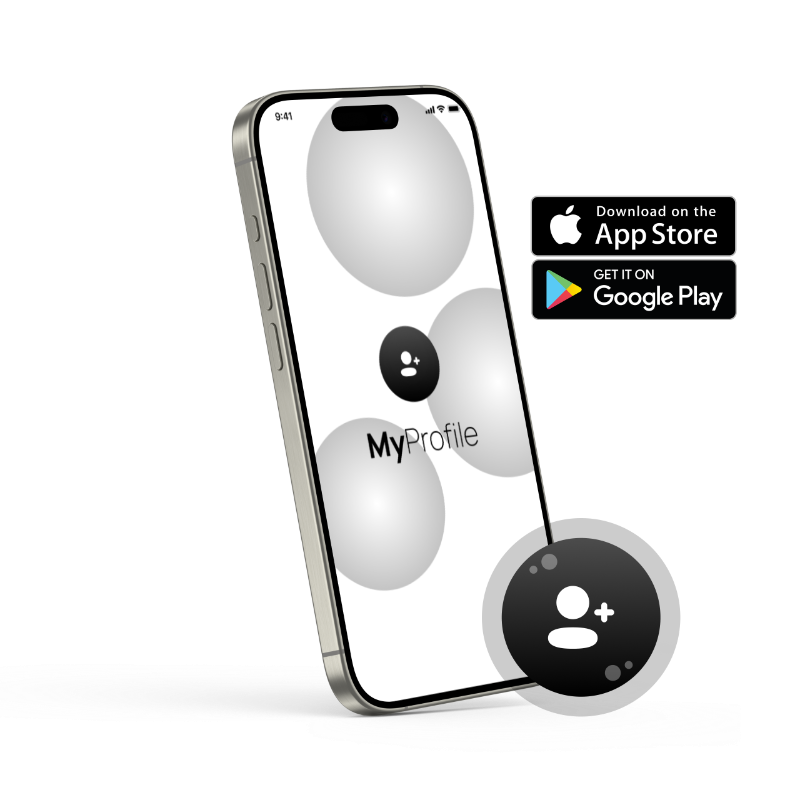
Bring your contact details, website, social links, and other published profile information together in one place. Tap your MyProfile NFC card near a compatible phone’s NFC reader, then open the on-screen link to view your profile.
Tap with a compatible NFC-enabled iPhone or Android
phone.Use your profile QR code when NFC is unavailable.Recipients can view your shared profile in their browser
without installing MyProfile.Hand over your card and let them tap. Your profile opens in their browser, with no app to download and no details to type in at meetings and events.
Your MyProfile NFC card opens the digital profile linked to it. Update your published contact information and links as your role or business changes, while continuing to use the same card.
Choose from the available Black, White, and Gray designs.
Select customization options where offered for your
chosen card.Control which profile information you publish and share.
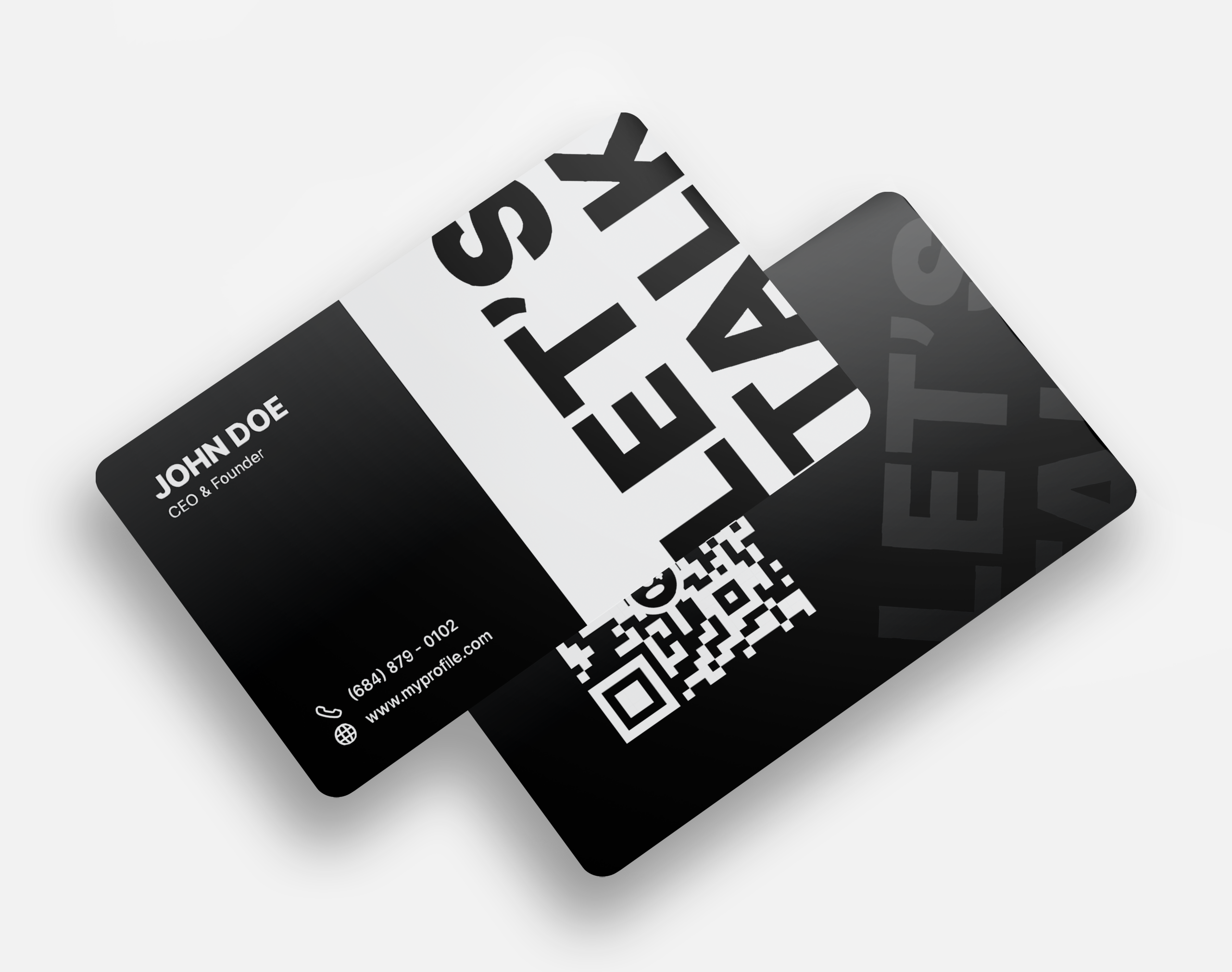

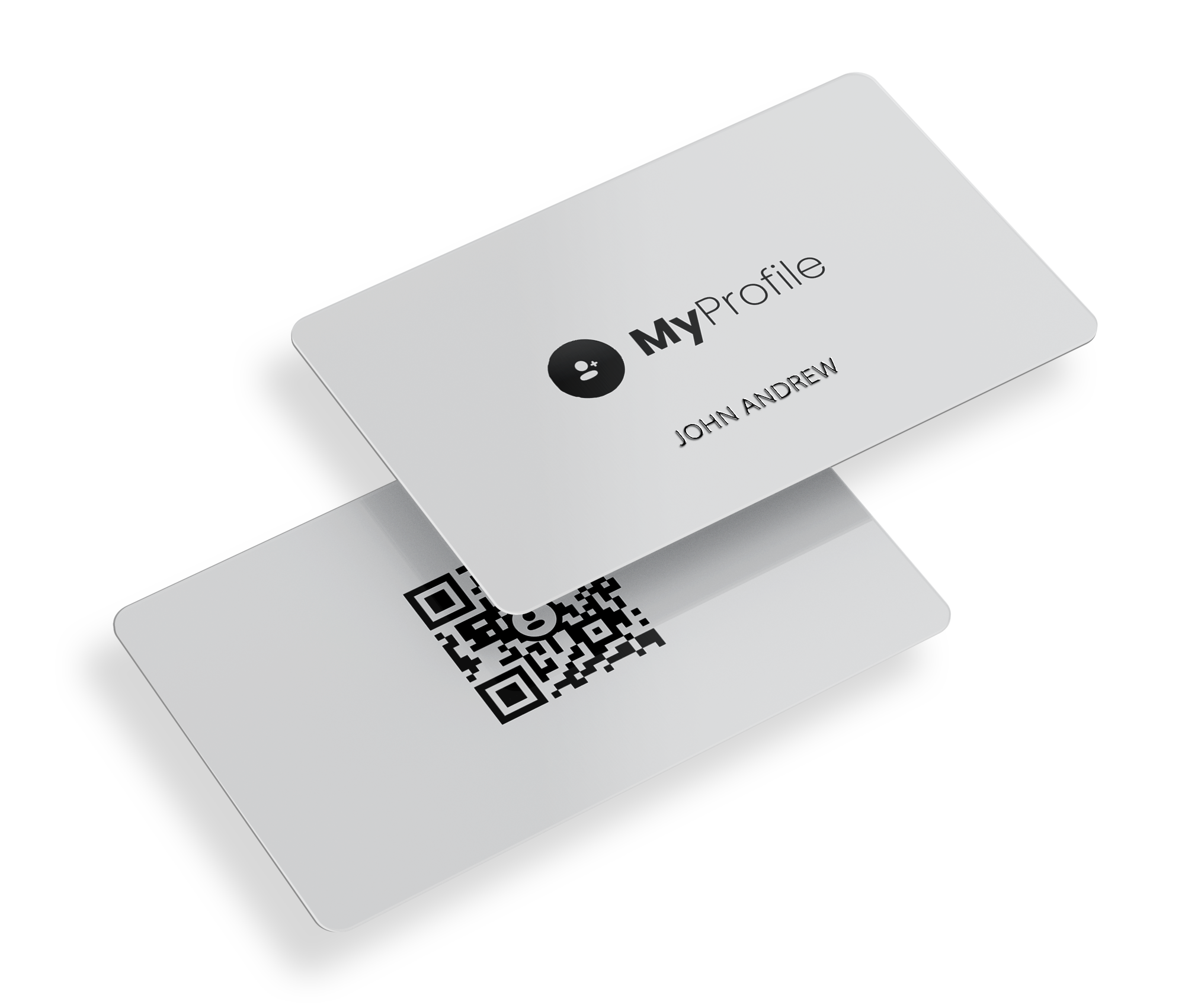

Tap a compatible phone or scan your profile QR code to open your shared profile in a web browser.

Update your digital information at any time, without replacing your card, whenever your phone number, links, or role changes.

Give people a convenient way to find your published contact details and connect through the options enabled on your profile.

Choose your card style and explore the personalization options available for individual and team orders.

Select your preferred design and any available customization options, then place your order.
Sign in to MyProfile, activate your card using the supplied activation details, and link the profile you want to share.
Hold your card near a compatible phone’s NFC reader and open the displayed link, or scan your profile QR code.
Keep your published information current and use the contact and networking tools available with your profile and plan.
Browse our full NFC card collection and find the right design for your networking style.
Shop Now Contact Sales